Reconfiguring the IP address of the IS «ASTANA-1»
The State Revenue Committee of the Ministry of Finance of the Republic of Kazakhstan (hereinafter – the SRC) reports the following.
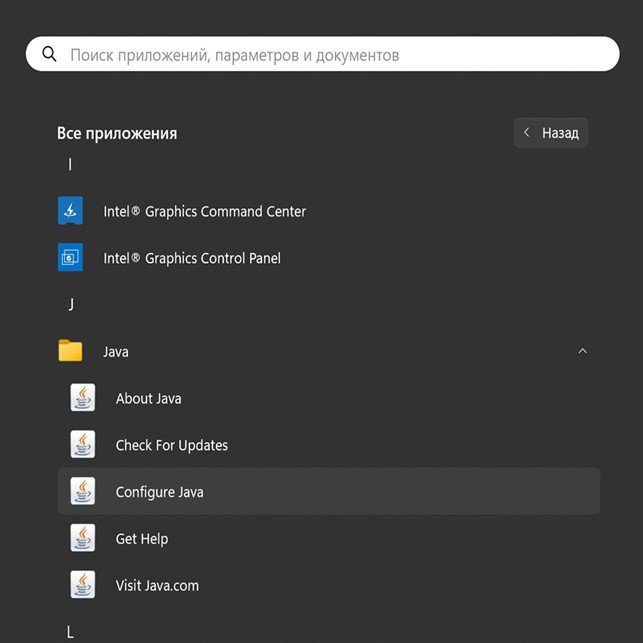
To enter a new address, you need to go to JAVA, then Configure Java
In the Java Control Panel window, go to the Security tab and click on Edit Site List.
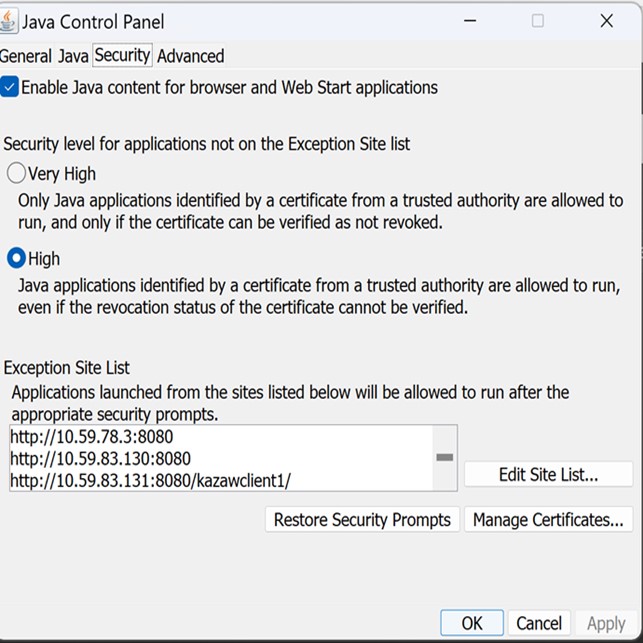
Next, click on Add
Add the address in a new line http://212.154.167.54:8080 and click Ok
Next, click Ok on all the following windows and complete the installation
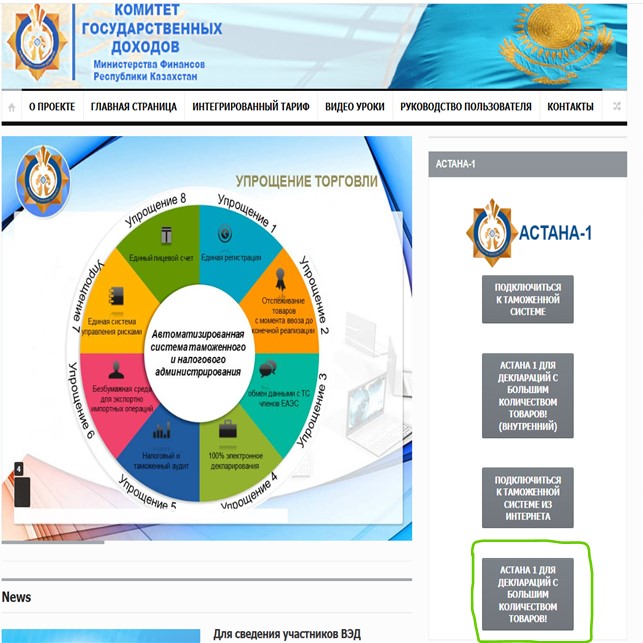
After completing the settings, you need to log in to the portal by typing http://212.154.167.54:8080 in the browser's address bar. Then, depending on the characteristics of your PC, download one of the files shown in the picture.
Дата публикации
26 февраля 2025