Friends, we all already know that to visit the PSC, you need to book a queue. This can be done in several ways.
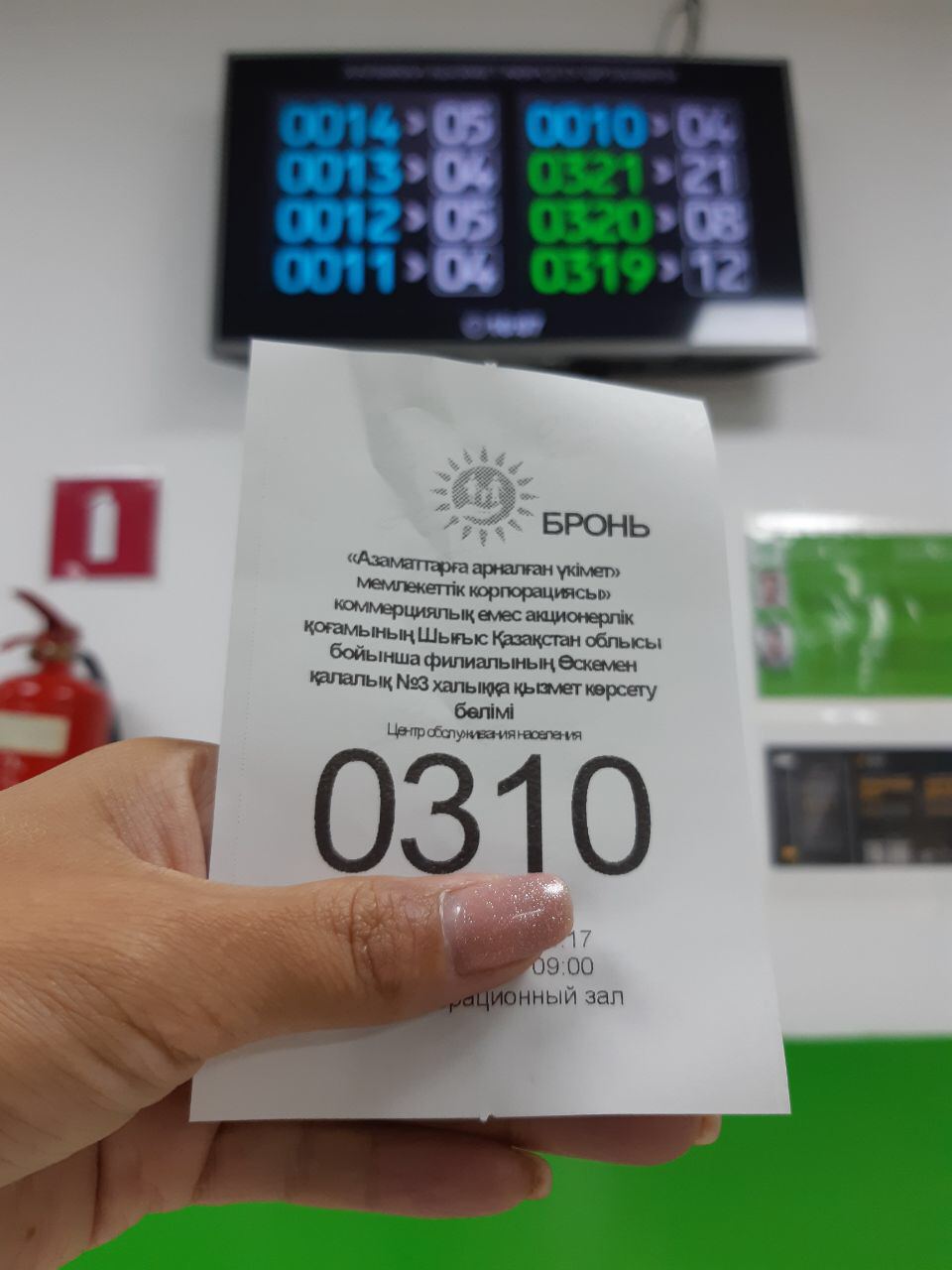
Friends, we all already know that to visit the PSC, you need to book a queue. This can be done in several ways. Today, in the #simple-complicated section, we will tell you about all the methods, and you will choose the most convenient for yourself.
So:
1️⃣ Call 1414.
Dial 1414 from a landline or mobile phone, press the number "3" (operator of the NAO / PSC). After connecting, the operator will make a reservation.
2️⃣ Through the egov.kz portal (if you have an EDS).
You need to log in to the portal, click "Book a visit" in the right corner of the main page, select the PSC you need and enter your IIN. After, select the required service, and then the desired date and time.
3️⃣ Via telegram bot EgovKzBot2.0 (registration in the Mobile Citizens Base is required, which can be done on the portal).
In the search bar, find the EgovKzBot2.0 bot and in the list select "Booking a queue at the public service center" The system will offer to choose a region, district and PSC, in which it is more convenient for you to receive public services, the purpose of your visit. Then a window will appear in which free dates and times of the visit will be indicated. You will receive an SMS notification about the successful booking of the queue.
4️⃣ Via social networks VKontakte and Facebook (registration in BMG is required).
Find the Egov.kz Portal page in the selected social network and click "Write a message". Then click "Start" and in the main menu select "Booking a queue at the public service center." Following the commands that will be displayed, you book a queue.
❗️❗️Note that advance booking of the queue is allowed once a day. If you already have an active reservation and you cannot book a new one, you need to rebook it.